




Remote access to your devices anytime, anywhere
Remote access that works for all.
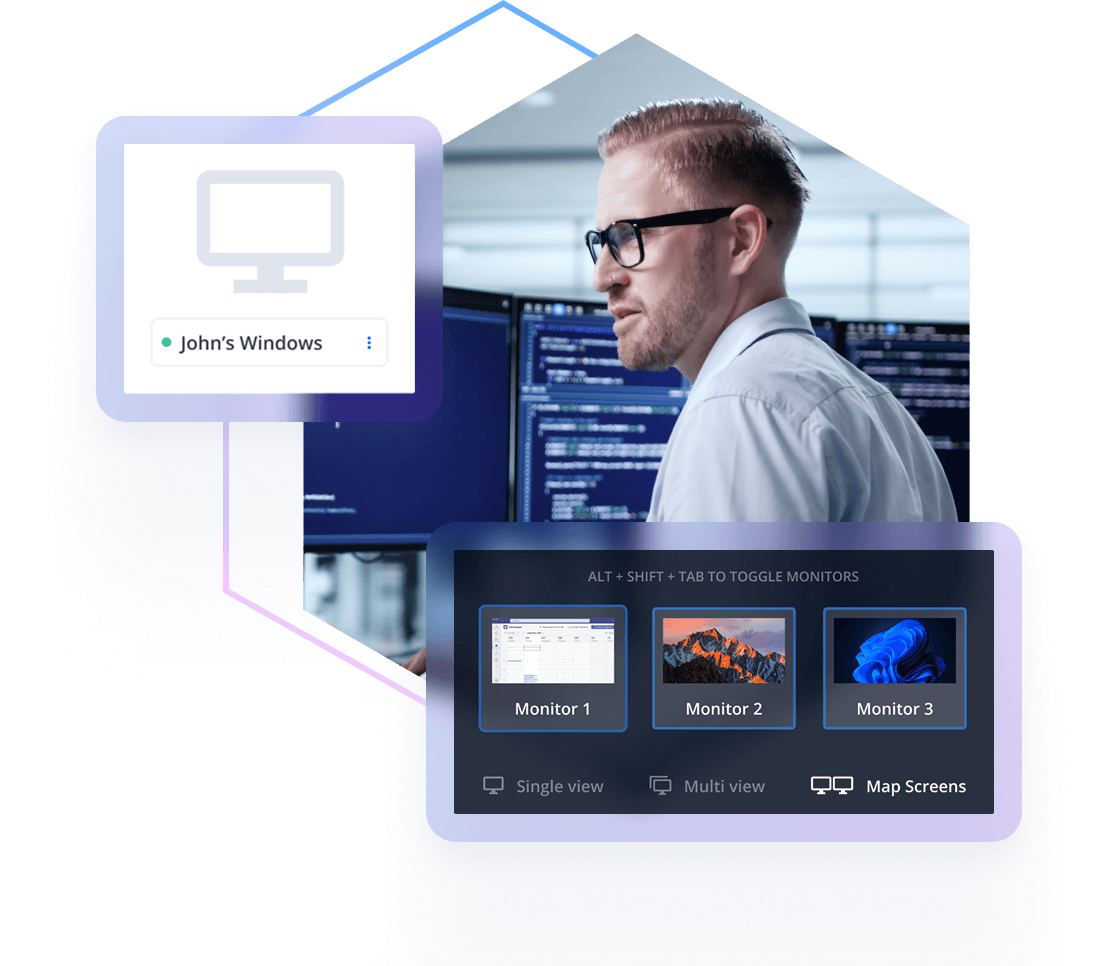
Over 60,000 businesses trust RealVNC Connect for secure remote device access that they can rely on. Whether it’s providing IT support from afar, maintaining dispersed equipment, or enabling remote-based workforces, RealVNC Connect makes it possible with unattended access, responsive control, reliable performance, and cross-platform support.
High quality audio
Session audit and logging
Multi-platform support
Chat and file transfer
Bring your remote devices with you, wherever you happen to be.
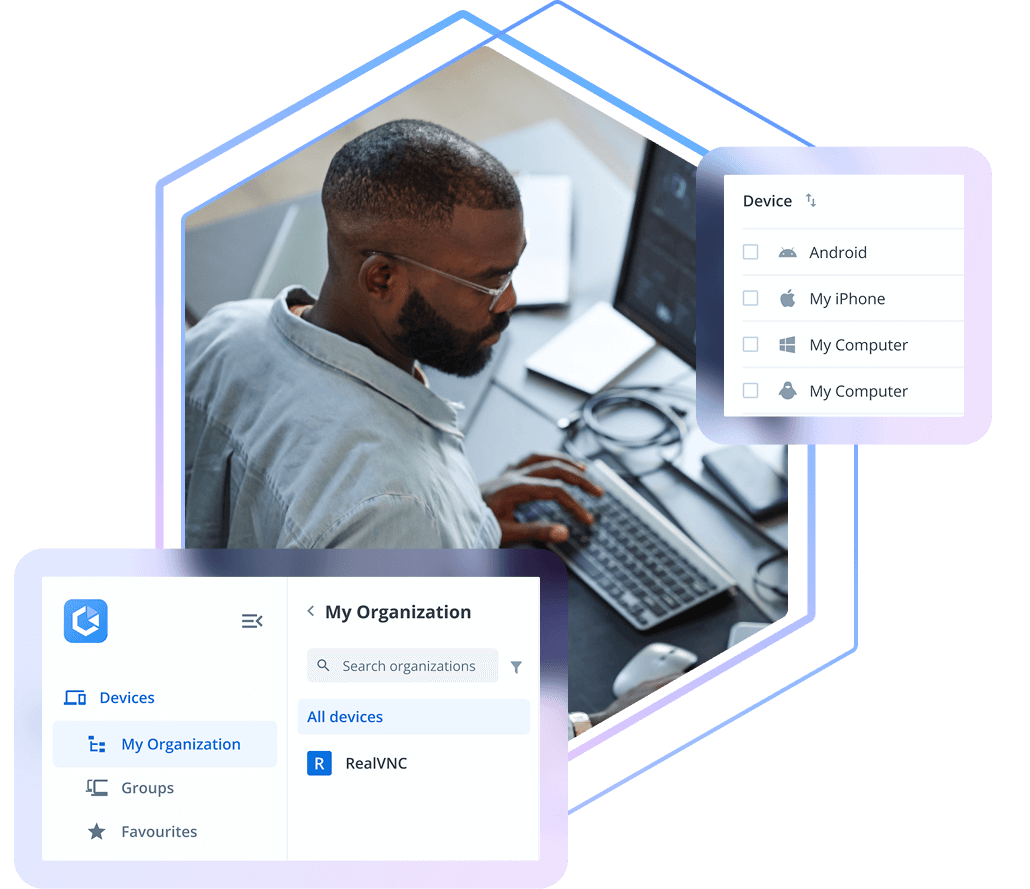
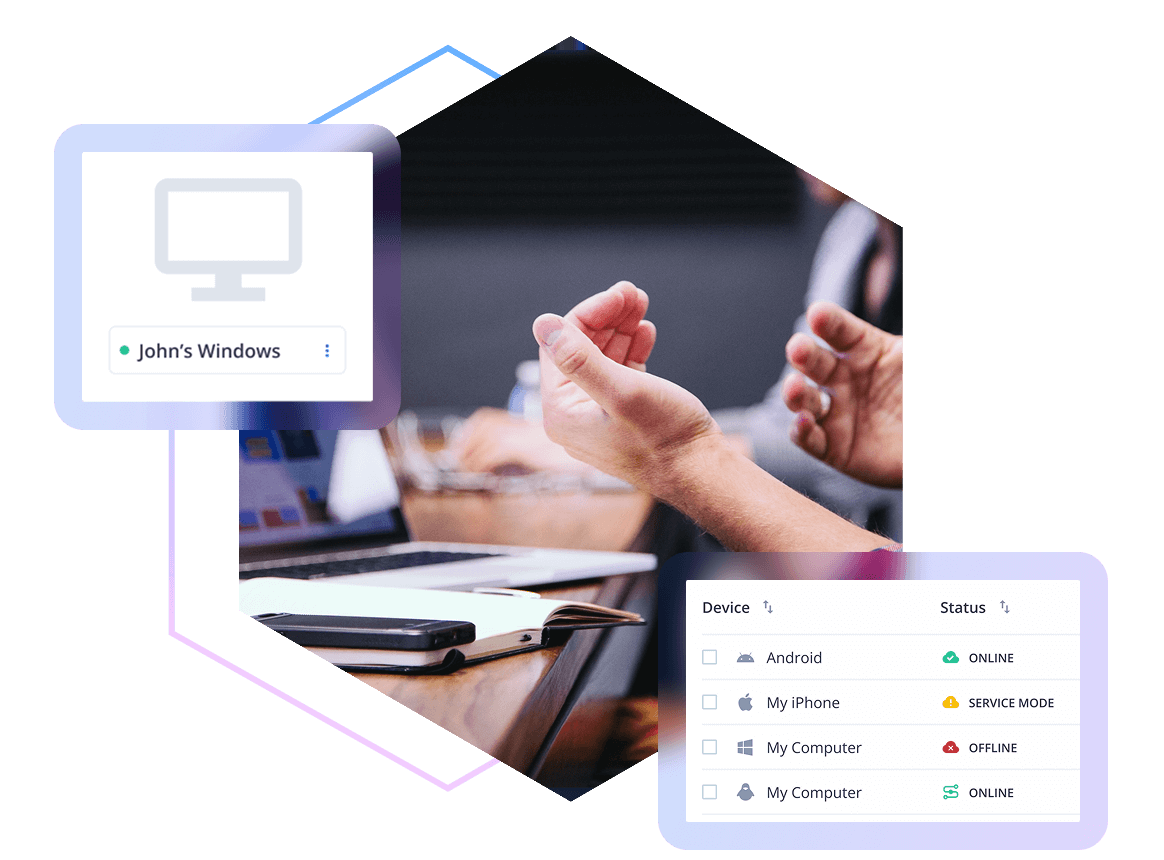
Your licensed devices and settings are automatically synced to your RealVNC Connect Devices List. Simply log in to RealVNC on your desktop or mobile device and you’ll be able to see all of your devices ready to access.
Decide which users can see which devices, and what they can do on them using granular permission settings. Keep tabs on who’s doing what with audit logging and a record of truth with session recording options.
Device & user groups
Recording & audit logging
Permission elevation
Granular access permissions
Secure remote device access that adapts to your organization’s needs
A choice of connectivity
Use RealVNC Connect’s automatic brokering service to connect securely without configuring firewalls or routers to devices within and outside your network. Or opt for manually configured connections for more specific remote access requirements.
Secure by design
Enterprise-grade security and granular admin tools give you complete control over user access and permissions across all devices.
Fully auditable sessions
Eliminate blind spots and meet compliance standards with session logging and recording that gives you oversight of remote access activity within your organization.
Let’s get you up and running with your first connection
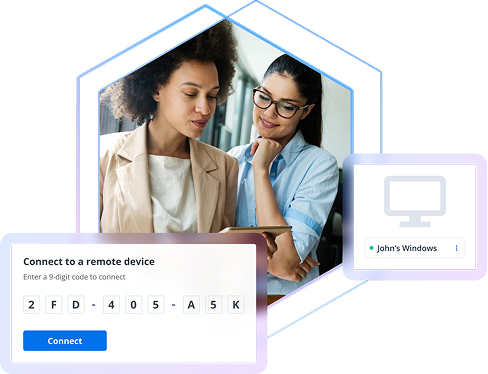
Install RealVNC Connect, sign in, and it’s instantly available for remote access.
Launch RealVNC Connect, select the device, and start your remote session instantly.
Send an invite, and once accepted, the device is ready for remote access.
RealVNC Connect Portal
Centralized Administration Through the RealVNC Portal
Manage all your RealVNC Connect users and devices from one simple, web‑based Portal—giving you full oversight without the complexity.
Cut the complexity with a single, multi-platform solution
The best IT teams know that minimizing risk in the tech stack is the way to go. With support for every major operating system, our solution helps you simplify your remote access setup.
Reduce the associated costs of maintaining multiple solutions, while also driving improved adoption and oversight of remote access across your organization.
Flexible enough to
meet your needs
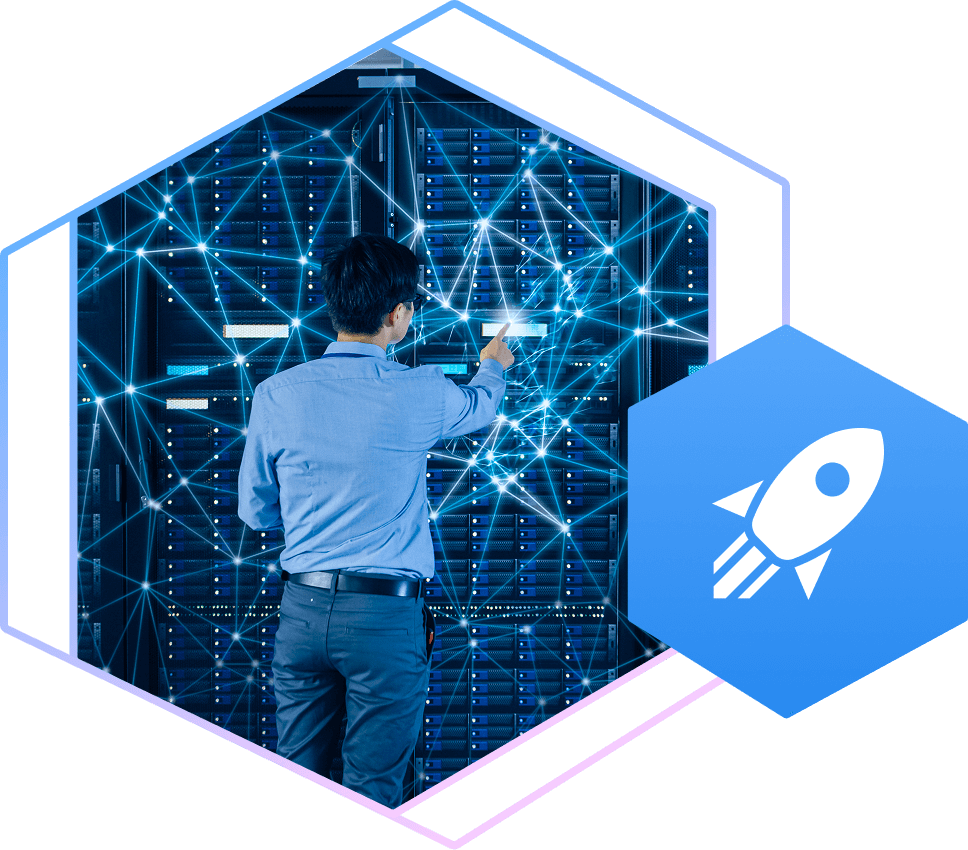
From molecular research to deep-space exploration and everything in between, Device Access has a world of applications. Built to be fully configurable out of the box, our solution lets you customize your setup to meet the unique needs of your team.
Stay in complete control, no matter the scale
Know you’re always in complete control of remote access, even with thousands of users and registered devices. RealVNC Connect lets admins determine who can access which devices, as well as what that level of access looks like.
Manage user access at a granular level with a suite of advanced administration tools and multiple authentication options.
Centrally define and distribute permissions across your organization to deploy easily, en masse, across dispersed teams and locations.
Want to learn more about RealVNC Connect for on-premises?
Whether you’re exploring solutions for remote sites, secure environments, or simply want to ensure uninterrupted access when connectivity is limited, we’re on hand to help discuss your options.
Frequently
asked questions
If you can’t find an answer to your question, please
visit our Help Center or get in touch with us.
How many concurrent sessions can I have?
When using Device Access on our paid subscriptions, you can have as many concurrent sessions as you like. With On-Demand Assist, concurrent sessions are capped per technician and vary depending on your subscription level.
Can I take On-Demand Assist as well as Device Access?
Yes, when you take a Plus, Premium, or Enterprise plan and choose to pay per user, you’ll have On-Demand Assist included in your subscription.
How many devices and users can I have on Device Access?
On our paid subscriptions, the number of users you have is unlimited. Instead, we charge by the number of devices you want to remote into. We offer a volume discount, so the more devices you take, the cheaper the cost. Check out our pricing page for more detail.
RealVNC is trusted worldwide by more than 60,000 companies
Try RealVNC® Connect today for free
Sign up for free 14-day trial and test out RealVNC Connect for yourself. No commitment or credit card required.